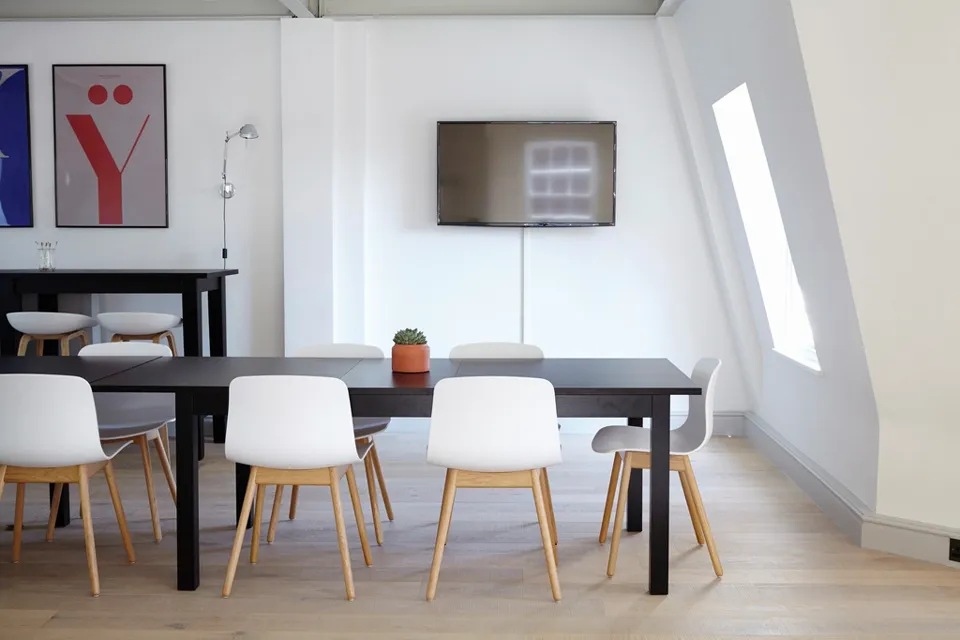
Desk
1 person · hourly or day pass
Drop in for a two-hour sprint or stay from open to close. Your seat is held for the hours you booked, and it is yours once you check in.
- One hour or longer
- Day pass, open to close
- Paid per booking or with credits
Seats and small meeting rooms, by the hour or the day. Pay per booking, or join and book with monthly credits.
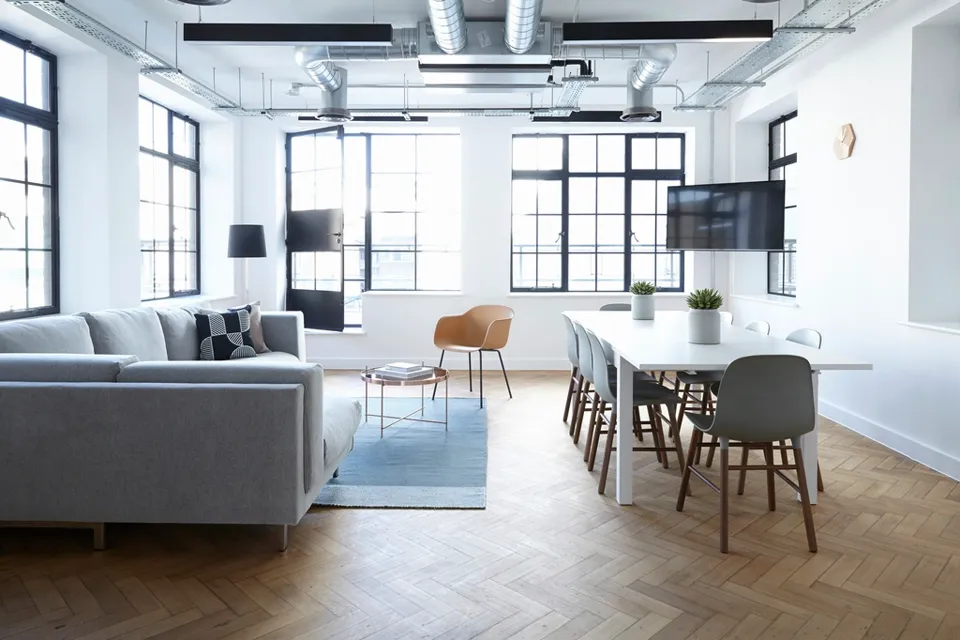
Tap a start hour, then an end hour.
Every space shows its open hours before you book, so you only pick from what is free.
1 person · hourly or day pass
Drop in for a two-hour sprint or stay from open to close. Your seat is held for the hours you booked, and it is yours once you check in.
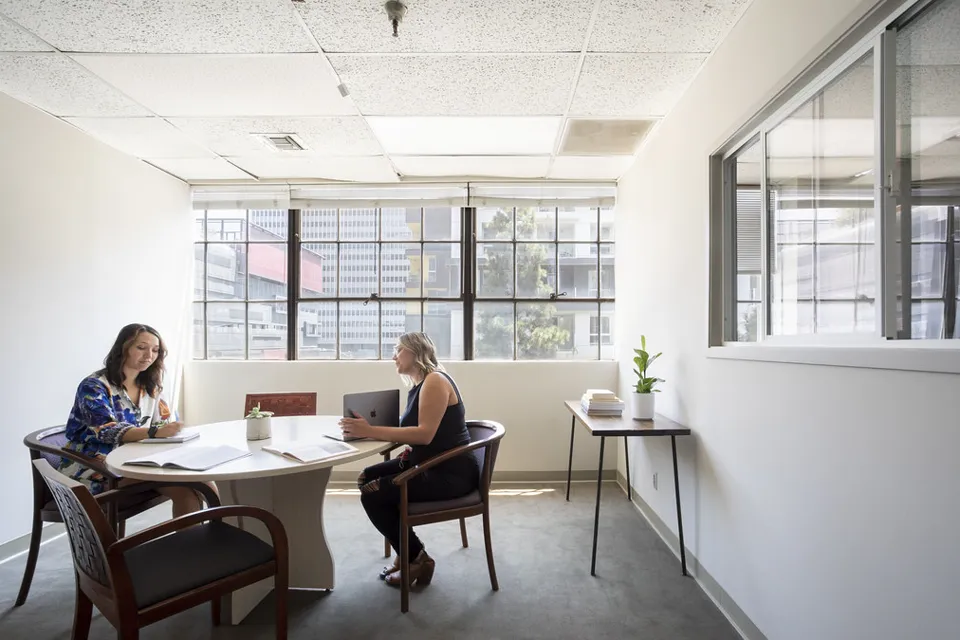
Small teams · hourly
A room with a door for a client call, an interview or a planning session. Book one hour or the whole afternoon.
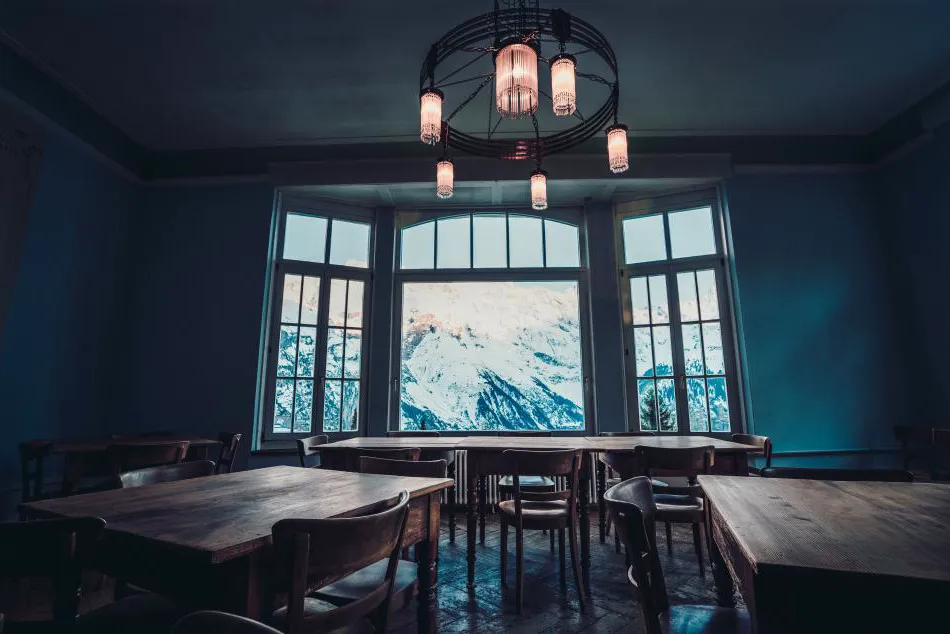
Extra amenities · premium rate
For the pitch or the workshop. Each room lists its amenities before you book, so you know what is in the room when you walk in.
One booking, from the moment you reserve to the moment you sit down.
When you book
Open slots are shown per seat and per room. Check out as a guest, or sign in to use your credits.
Right after
The email carries your booking code, the space, and the exact hours you reserved.
Before you arrive
So the booking you made last week does not catch you on the wrong side of town.
At the door
Show the code at the front desk. Your seat or room is marked as in use.
If plans change
Shift to another day, add an hour, or cancel. Upcoming and past bookings sit in one list.
Guests pay for each booking. Members get a set of credits with their plan and spend them on desks and rooms.
Guest
Per booking
Member
Monthly or annual
Pick a seat or a room, choose your hours, and the code lands in your inbox.